Update:
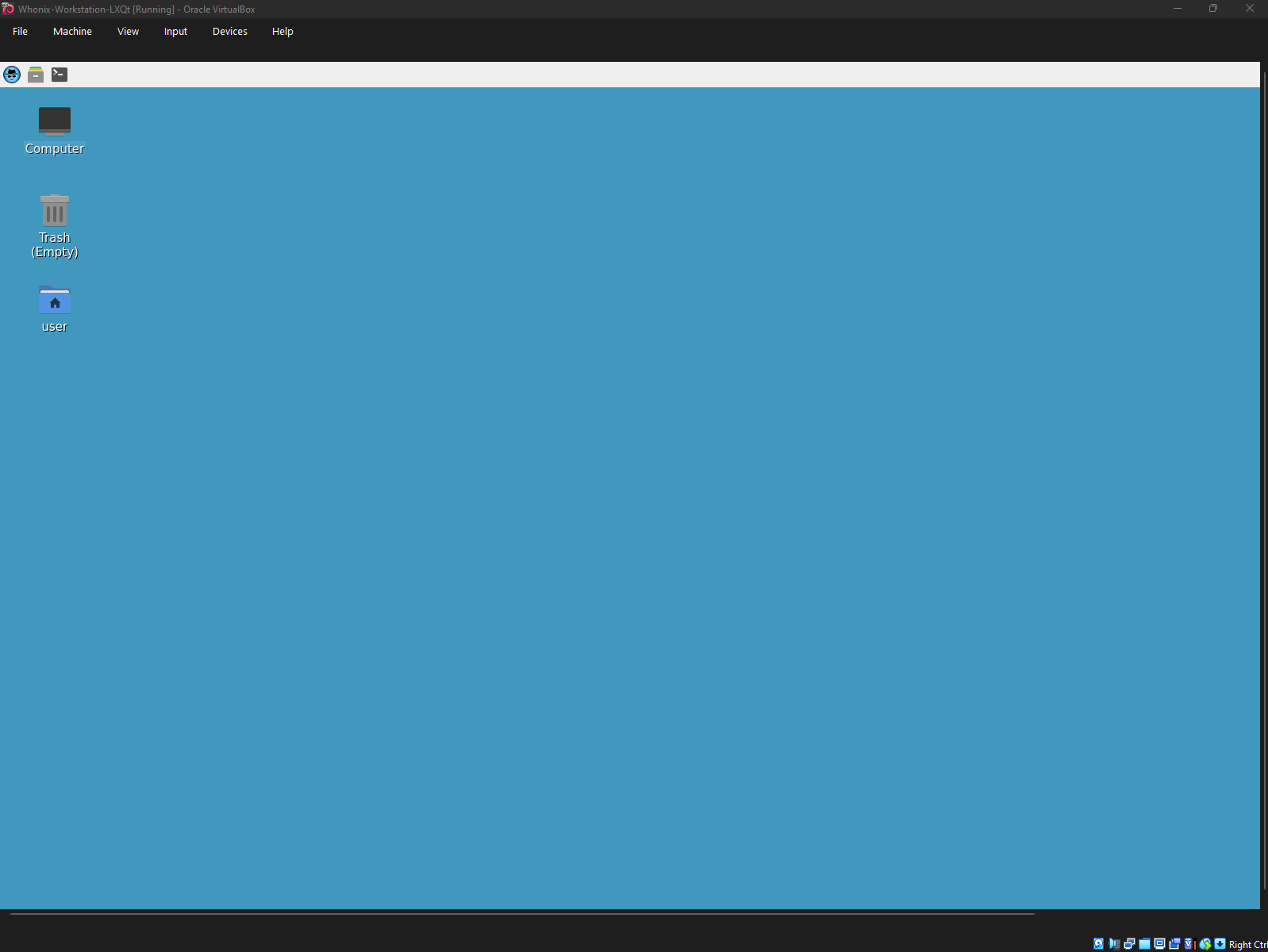
I noticed that whonix has been behaving a little funny lately. After updating the whonix workstation, the resolution changed to be stretched out and no longer automatically adjusts to my screen size:
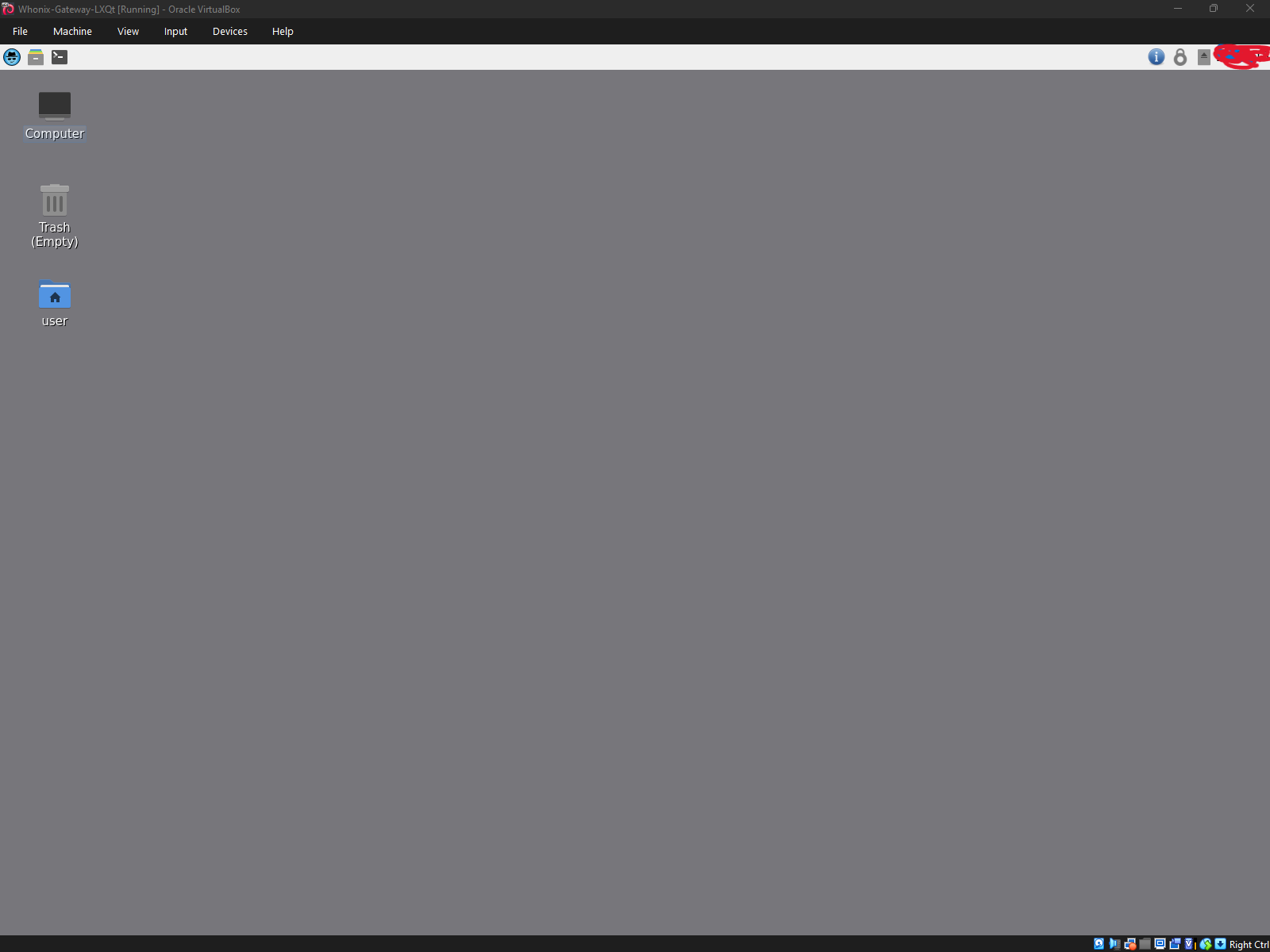
The gateway was unaffected though:
I am not sure if this is a bug or a new security feature after the update? I’d really appreciate any guidance you can share!
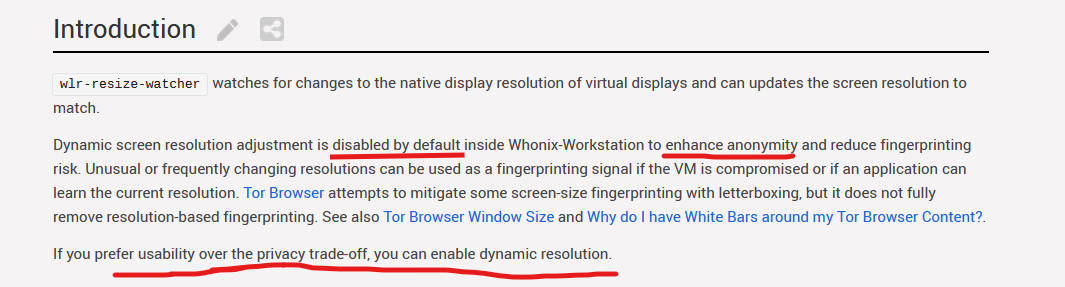
From my understanding it seems like it could be a new privacy feature:
However, the thing that confused me the most was that when I first installed Whonix I had dynamic resolution on, meaning that it automatically adjusted to fit my square monitor. But then after updating Whonix yesterday using the line “sudo apt update && sudo apt full-upgrade” , it stopped doing dynamic resolution giving it that “stretched out effect” and I am not sure why it has only happened on the workstation?
New feature. Works as expected.
1 Like
It used to just work because we hadn’t implemented the above privacy feature yet. We later implemented it and pushed it out to Whonix 18 users, so the change in behavior is expected.
2 Likes
I appreciate the swift response, @Patrick and @arraybolt3. Honestly, I was a bit worried I’d run into a bug or a corrupted system, so it’s a huge relief to know it’s actually a privacy feature working as intended. Thanks for the quick reassurance!
2 Likes
Why was this feature implemented? I read somewhere that you shouldn’t use whonix in full screen (i forgot the reason), so why was this implemented? You will always have the scroll bars UNLESS you use fullscreen, which is not recommended by whonix. So i dont understand? You can’t use the vm like this because half the screen is cut off. Or am I missing something?
Thank you, when I read the documentation before I accidentally read the qubes whonix part instead of non-qubes
1 Like