By “release-upgraded installation”, I meant a pair of Whonix 17 KVM VMs that were upgraded to Whonix 18 KVM using /usr/sbin/release-upgrade. It sounds like that isn’t what you did though.
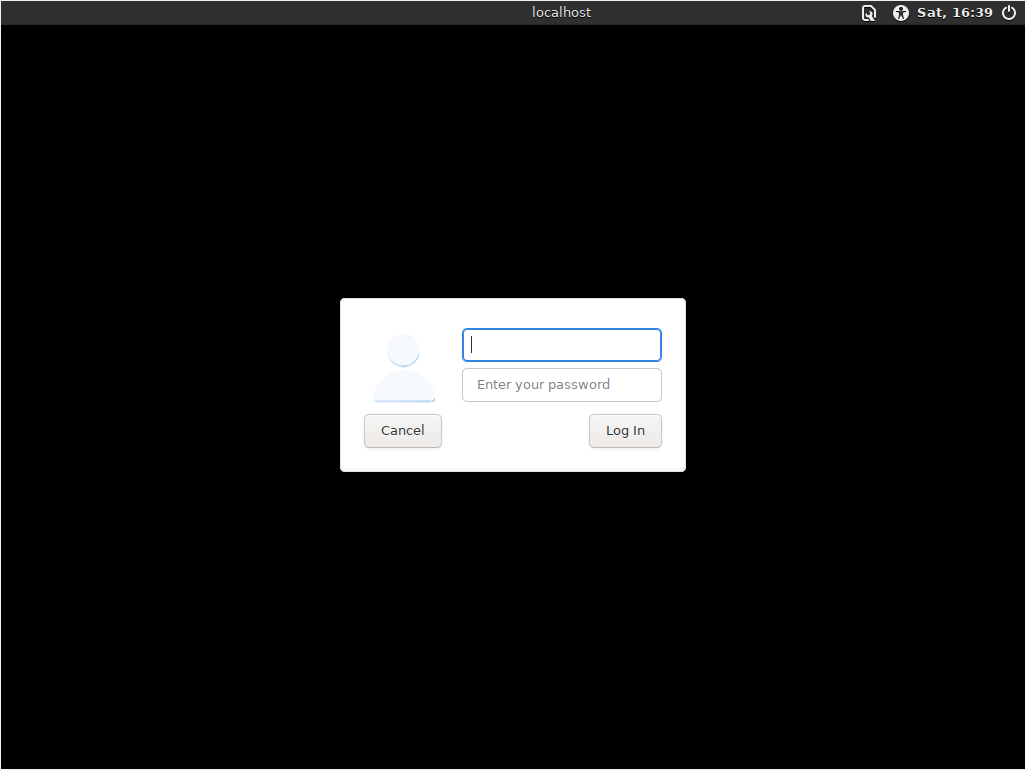
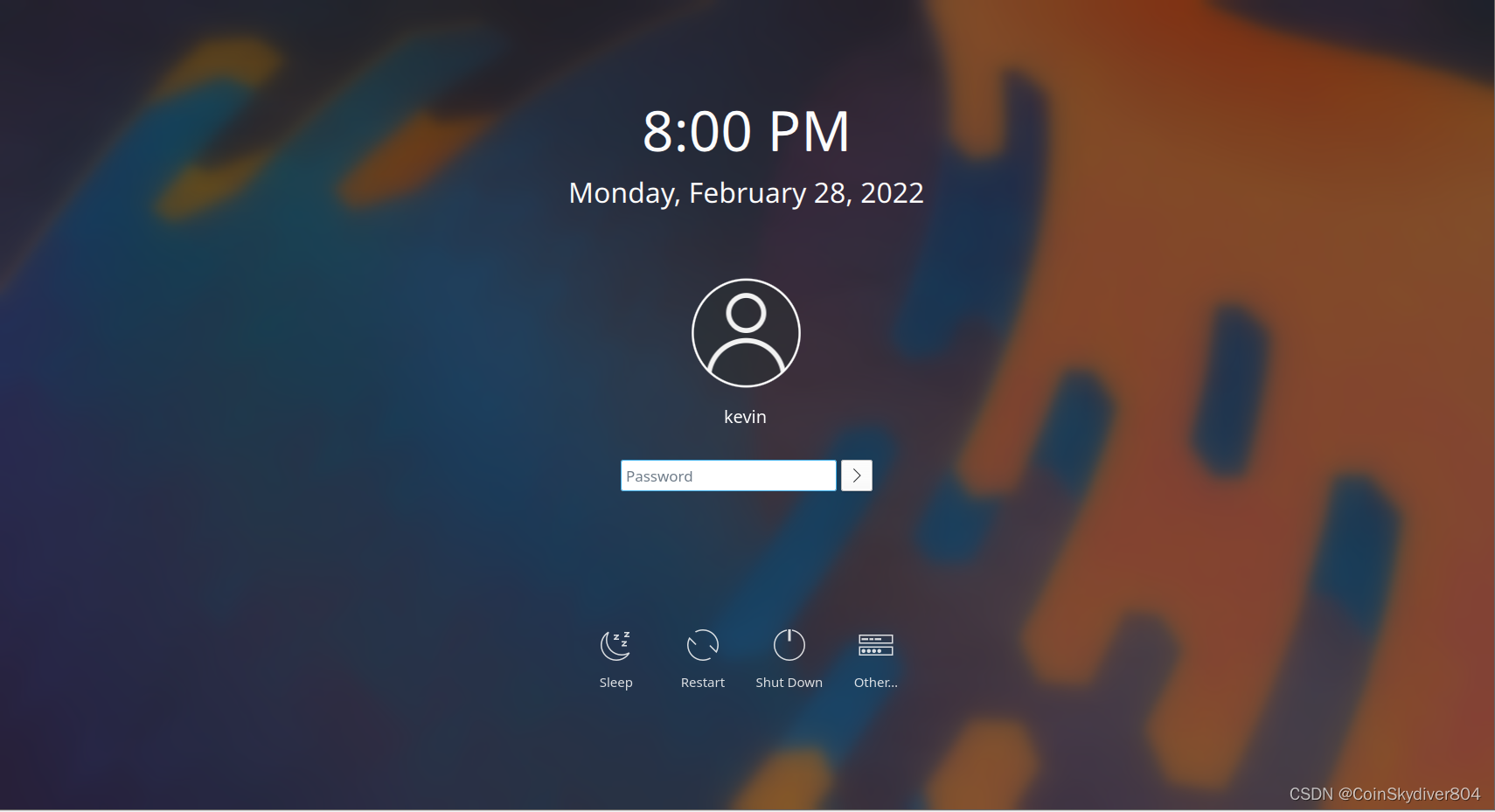
It’s a bit tricky, since rads uses some complex logic to decide what display manager to use. The best way to tell is to disable autologin, then reboot, and look at what the login screen looks like.
- If it looks like this, you’re using greetd, which is the greeter you should be using.
- If it looks like this instead, you’re using LightDM, which is bad.
- If it looks like this, this, or something else fancy, you’re probably using SDDM, which is bad.


Known issue, fix in progress:
This is specifically the browser Downloads folder, or the Downloads folder in /home/user? If the latter, this might be a bug, though it’s unlikely. If the former, you probably have a corrupted Tor Browser installation, and might consider running rm -rf ~/.tb to wipe out your current installation of Tor Browser. Then you can re-launch Tor Browser to reinstall it from the system-wide copy.
All of these issues together kind of make me wonder, is your download of Whonix actually good? Did you GPG-verify it, and are you sure your system’s storage drive isn’t failing? Also, what CPU are you using? Maybe you’re using older hardware that is slow enough to hit weird race conditions or something along those lines.