Did some recent change mess up pcmanfm-qt again? It was working just fine after the workaround of putting the .desktop file in the ~/.config/autostart/ folder, but now it’s not working again.
In Signal Messenger, clicking the Open in File Manager link after downloading an attachment does nothing.
Clicking the Show in Folder link in any browser after downloading shows the following dialogue box in the screenshot:
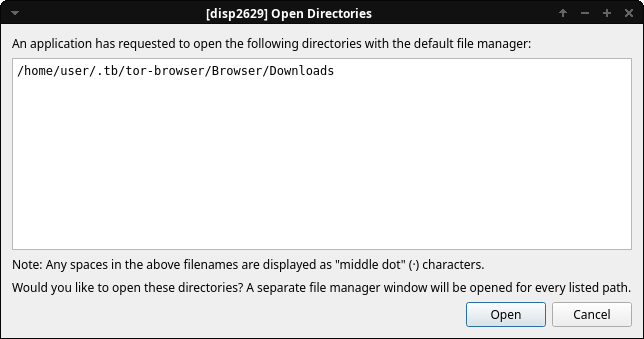
On clicking Open it open’s Catfish instead of pfmanfm-qt.