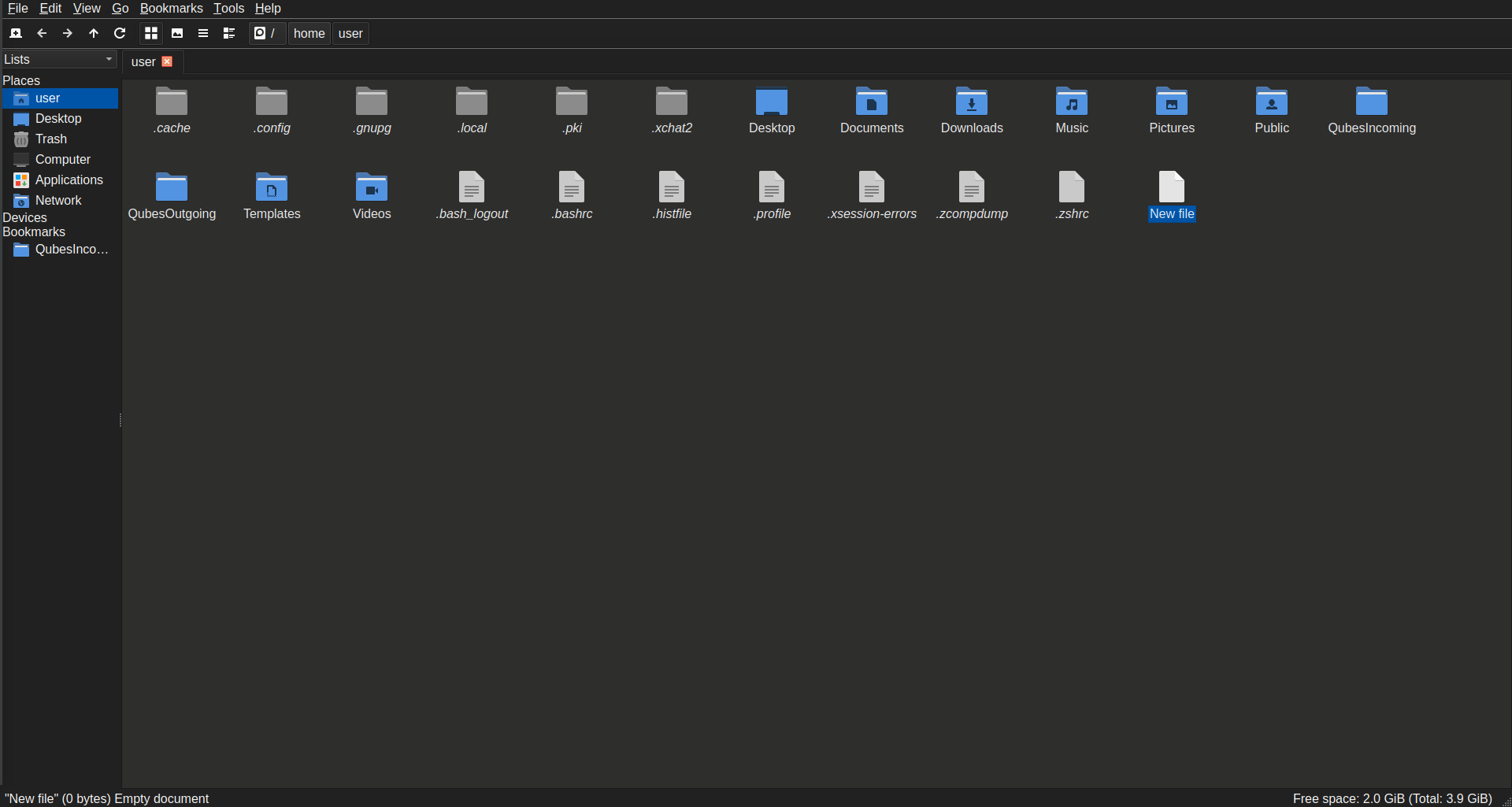
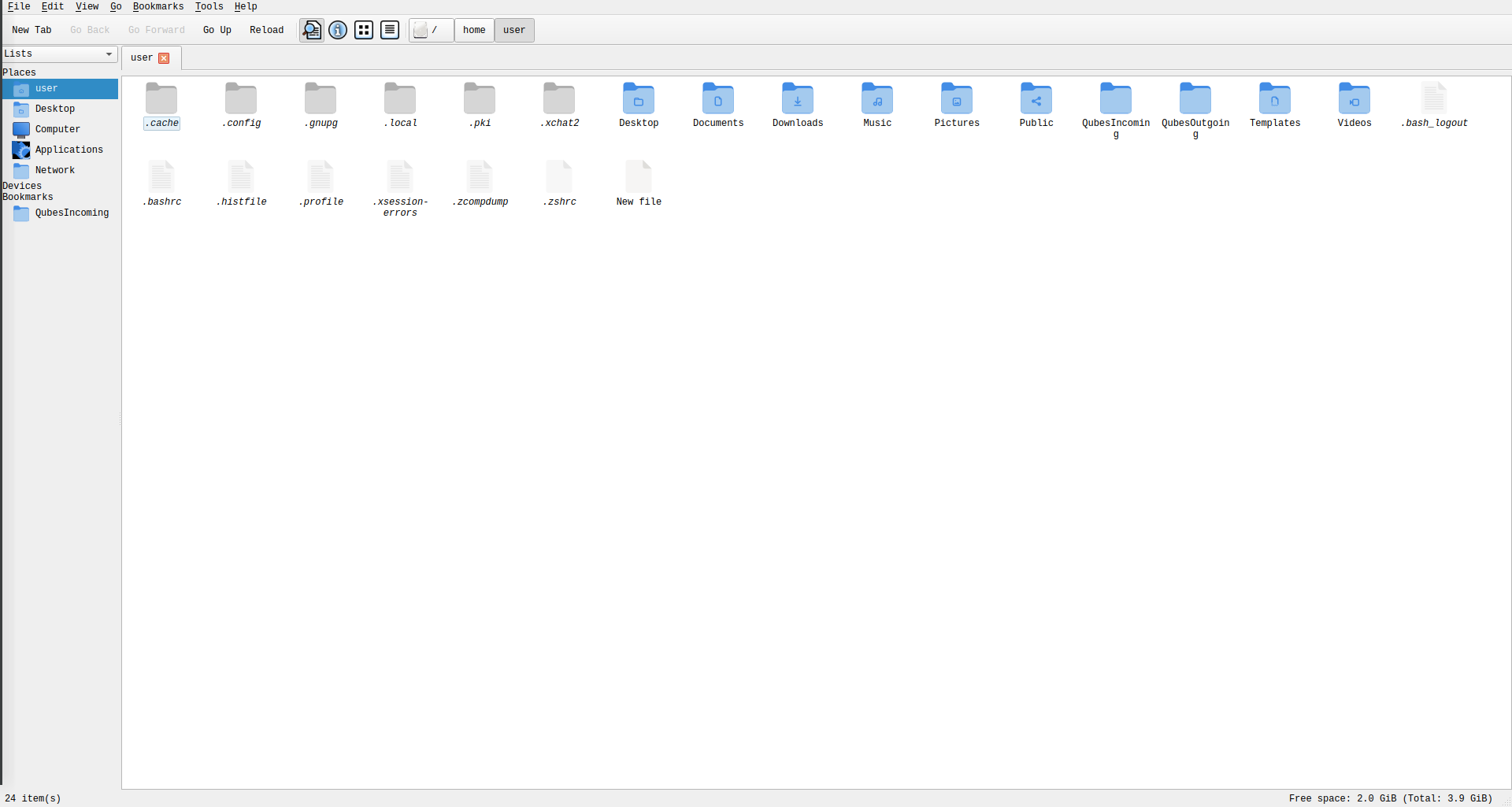
The issue also occurs in whonix-workstation-18 on Qubes OS 4.3.
When I set the default handler for inode/directory to pcmanfm-qt using this command: xdg-mime default /usr/share/applications/pcmanfm-qt.desktop inode/directory
It only works if an instance of pcmanfm-qt is already running. In that case, it perfectly opens the folder clicked from a browser or app and selects the relevant file.
However, if no instance is running, it falls back to opening Catfish.
If I change the default file type association via the LXQt Configuration Center, it works, but it launches a completely new and separate instance of pcmanfm-qt that ignores all user customizations (and even the default settings from a fresh installation), behaving like a differently configured version. Another thing is that when I change the file association using LXQt Configuration Center, the MIME type changes are saved in a separate file: ~/.config/x-qubes-mimeapps.list instead of the standard ~/.config/mimeapps.list or ~/.local/share/applications/mimeapps.list.
Cannot reproduce here. I tried the following steps:
Delete all Whonix-Workstation 18 qubes.
Re-install the whonix-workstation-18 template.
Fully upgrade the template.
Shut down the template.
Create a whonix-workstation-18-dvm AppVM based on whonix-workstation-18, then set it as a disposable template.
Create an anon-whonix AppVM based on whonix-workstation-18.
Launch QTerminal in anon-whonix.
Ensure no PCManFM-Qt windows are open.
Run xdg-open Documents while the current working directory is /home/user. Opens the Documents folder in PCManFM-Qt.
Close the PCManFM-Qt window.
Run xdg-mime default /usr/share/applications/pcmanfm-qt.desktop inode/directory.
Run xdg-open Documents while the current working directory is /home/user. Opens the Documents folder in PCManFM-Qt.
Can you give steps for reproducing this issue, similar to those above? Starting from a fresh Whonix-Workstation 18 template installation would be best.
If you do this from terminal, the issue does not appear. The issue appear when you download a file through browser or signal messenger etc. and try to open folder from browser downloads or similarly from Signal messenger throuhg “Open in Folder” link.
Hmm, ok, now I can partially reproduce. Catfish doesn’t open for me, but if PCManFM-Qt isn’t running, the “Open in folder” feature of Tor Browser silently fails to work. It also prints this error to stdout:
Failed to query file manager via ShowItems: GDBus.Error:org.freedesktop.DBus.Error.ServiceUnknown: The name org.freedesktop.FileManager1 was not provided by any .service files
But when PCManFM-Qt is running, the feature works normally.
PCManFM-Qt supports a “daemon mode” (pcmanfm-qt -d), and when running it that way, the feature also works normally. Most likely then we need to be launching PCManFM-Qt in this way under Qubes OS, so that things that try to use it over DBus like Tor Browser does, can function properly.
Hmm, ok, now I can partially reproduce. Catfish doesn’t open for me,
but if PCManFM-Qt isn’t running, the “Open in folder” feature of Tor
Browser silently fails to work. It also prints this error to stdout:
[… 3 lines elided]
But when PCManFM-Qt is running, the feature works normally.
Can also reproduce this annoying issue. Open in Directory button for
tor browser (after downloading a file through it) doesn’t work. But if
I have an instance of pcmanfm-qt running in the foreground, then the
mentioned button works.
Doesn’t moving this issue upstream mean that the fix will be available in Debian 14?
The latest PCManFM-Qt version is 2.3.0, while Whonix is using 2.1. So, what are the chances that, even if the PCManFM-Qt team implements the fix, we’ll get it in Whonix 18?
Isn’t it better if Whonix provides a workaround for this issue via normal updates?
Not necessarily. That’s not what I said. My reply was in response to:
Doesn’t moving this issue upstream
And wiki page Relationship With Upstream explains in detail why working with upstream is important in the long-term.
Working with upstream is part of the investigation, cooperation with upstream. It doesn’t mean that temporary workarounds are rejected. Working with upstream might result that a potential workaround can be removed for simplicity in the future.
I understand the rationale, but this also means that the fix will most probably come in the next release, if not definitely, based on previous experience.
No, this is a major bug, and we know fixes already. They aren’t ideal, but they’re fixes, and a non-ideal fix is better than “open in folder” being plain broken in Tor Browser. We’ll probably have this fixed pretty quickly. We just also want to get the ideal fix upstream if we can.
You’ll probably want to revert this once the fix is made, but as a quick fix, try putting this into /etc/xdg/autostart/pcmanfm-qt-autostart.desktop in the whonix-workstation-18 template:
But then I put the .desktop file in /etc/skel/.config/autostart/
So it get copied in every newly created app qube in ~/.config/autostart/ folder. But for already existing app qubes I’ve to manually copy the .desktop files.
Posting this here to document what we’ve investigated for fixing this so far, why it didn’t work, and what other options we have.
The first, obvious option, is to just run pcmanfm-qt --daemon-mode at startup so that the file manager just works. This is unfortunately problematic, because sometimes the VMs Whonix-Workstation runs under are very RAM-constrained, and the additional memory PCManFM-Qt takes up is unacceptable.
The second option is to make PCManFM-Qt a D-Bus activated service. This almost works, but unfortunately while PCManFM-Qt can be launched via D-Bus activation, it fails to actually open the requested directory the first time it is launched. This is the issue covered in the links in this post above.
The third option is to create a new lightweight shim that can properly receive requests to open a folder over D-Bus, and launch PCManFM-Qt with the appropriate folders open automatically. This seemed to be the most promising option initially, and I did quite a bit of work developing this shim, but in the process I discovered that if PCManFM-Qt is pointed at a file (i.e. pcmanfm-qt document.odt), it will actually try to open the file similar to xdg-open rather than opening the directory the file is in. This behavior makes it impossible to implement a shim like this without creating a TOCTOU vulnerability that would allow Tor Browser to escape AppArmor confinement:
The browser, if compromised, could create a directory at /path/to/dir, and a file at /path/to/malicious.odt.
Then the browser could call org.freedesktop.FileManager1.ShowFolders('/path/to/dir'), which would call the shim.
The shim would be able to ensure that /path/to/dir was actually a directory, and could then call pcmanfm-qt /path/to/dir, but there’s a small-ish window of time between the directory check and PCManFM-Qt actually opening the directory.
The browser could then do the equivalent of rmdir /path/to/dir; mv /path/to/malicious.odt /path/to/dir; during that short race window.
PCManFM-Qt would launch, and would proceed to open /path/to/dir, which would actually launch LibreOffice with malicious.odt open. At that point, the document could exploit bugs in LibreOffice, or possibly use macros to run arbitrary code, or whatever. (Note that LibreOffice is only an example here; there are many different file types that could be used in a similar way, and depending on the applications the user has installed it may be possible to use this technique to run a script in an interpreter.)
The fact that PCManFM-Qt actually opens files it is pointed at is very surprising to me, and I would argue is even wrong behavior, but it’s the behavior we have to work with. The shim idea is therefore non-viable.
There are still a few options left that might work:
We could switch back to Thunar as our file manager. That would mean we’d have to maintain two file managers, so this is non-ideal.
We could adjust the torbrowser script in tb-launcher to run pcmanfm-qt --daemon-mode & before starting Tor Browser. This would be hacky, but would fix things for Tor Browser specifically. Applications like Signal could still have problems.
We could autostart PCManFM-Qt in daemon mode, but only if “enough” RAM is detected (where “enough” is a sane default like 2 GB, and can be adjusted by the user via some configuration file).
@marmarek Any thoughts on the above? I personally like the last solution (autostart in daemon mode but only when RAM is sufficient to allow it), does that seem like it would work?
Does this happen also when started as pcmanfm-qt --daemon-mode and then instructed to open the dir with org.freedesktop.FileManager1.ShowFolders('/path/to/dir') ? If yes, I’d recommend reporting it upstream, with your reproduction scenario (slightly adjusted).
If not, maybe your shim could use this method to open the directory (after releasing the org.freedesktop.FileManager1 name, so PCManFM-Qt can take it)? Basically, your shim would just be smarter dbus activation proxy to workaround [Feature request] Support D-Bus activation for better integration with sandboxed or otherwise confined applications · Issue #2127 · lxqt/pcmanfm-qt · GitHub , not a proxy for all requests.
Yet another idea to fix the issue might be something like cd /path/to/dir && pcmanfm-qt ., but changing the working directory might have some extra side effects.
Did some recent change mess up pcmanfm-qt again? It was working just fine after the workaround of putting the .desktop file in the ~/.config/autostart/ folder, but now it’s not working again.
In Signal Messenger, clicking the Open in File Manager link after downloading an attachment does nothing.
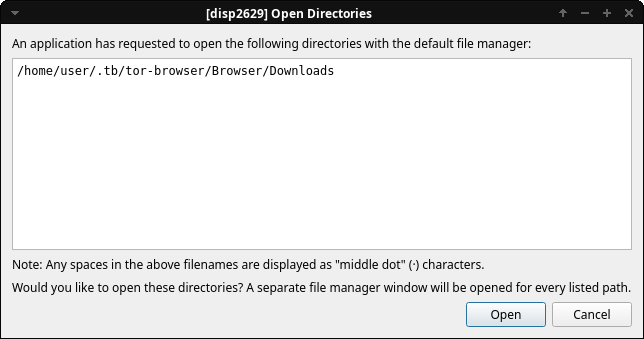
Clicking the Show in Folder link in any browser after downloading shows the following dialogue box in the screenshot: