The issue also occurs in whonix-workstation-18 on Qubes OS 4.3.
When I set the default handler for inode/directory to pcmanfm-qt using this command:
xdg-mime default /usr/share/applications/pcmanfm-qt.desktop inode/directory
It only works if an instance of pcmanfm-qt is already running. In that case, it perfectly opens the folder clicked from a browser or app and selects the relevant file.
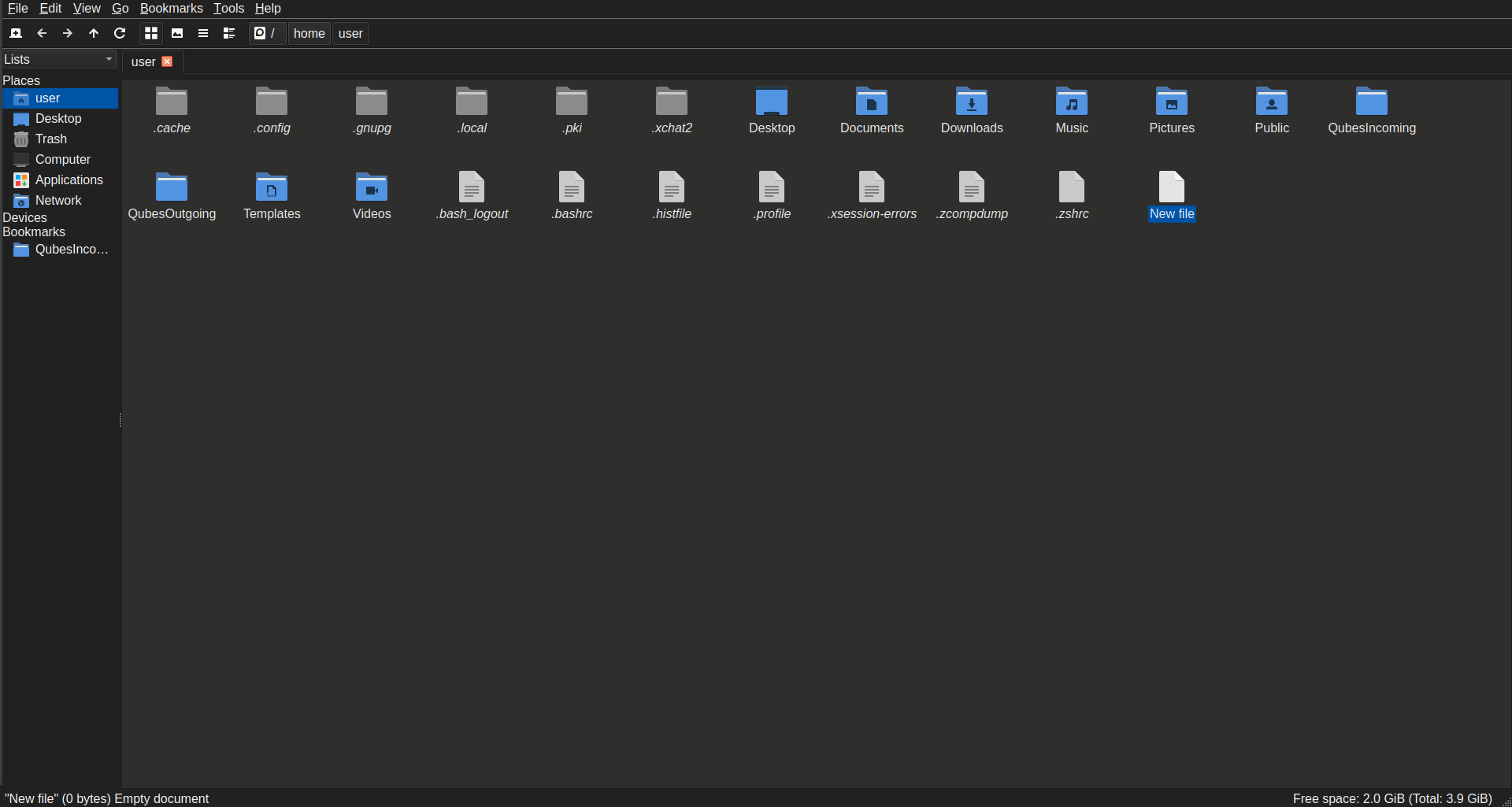
However, if no instance is running, it falls back to opening Catfish.
If I change the default file type association via the LXQt Configuration Center, it works, but it launches a completely new and separate instance of pcmanfm-qt that ignores all user customizations (and even the default settings from a fresh installation), behaving like a differently configured version. Another thing is that when I change the file association using LXQt Configuration Center, the MIME type changes are saved in a separate file: ~/.config/x-qubes-mimeapps.list instead of the standard ~/.config/mimeapps.list or ~/.local/share/applications/mimeapps.list.
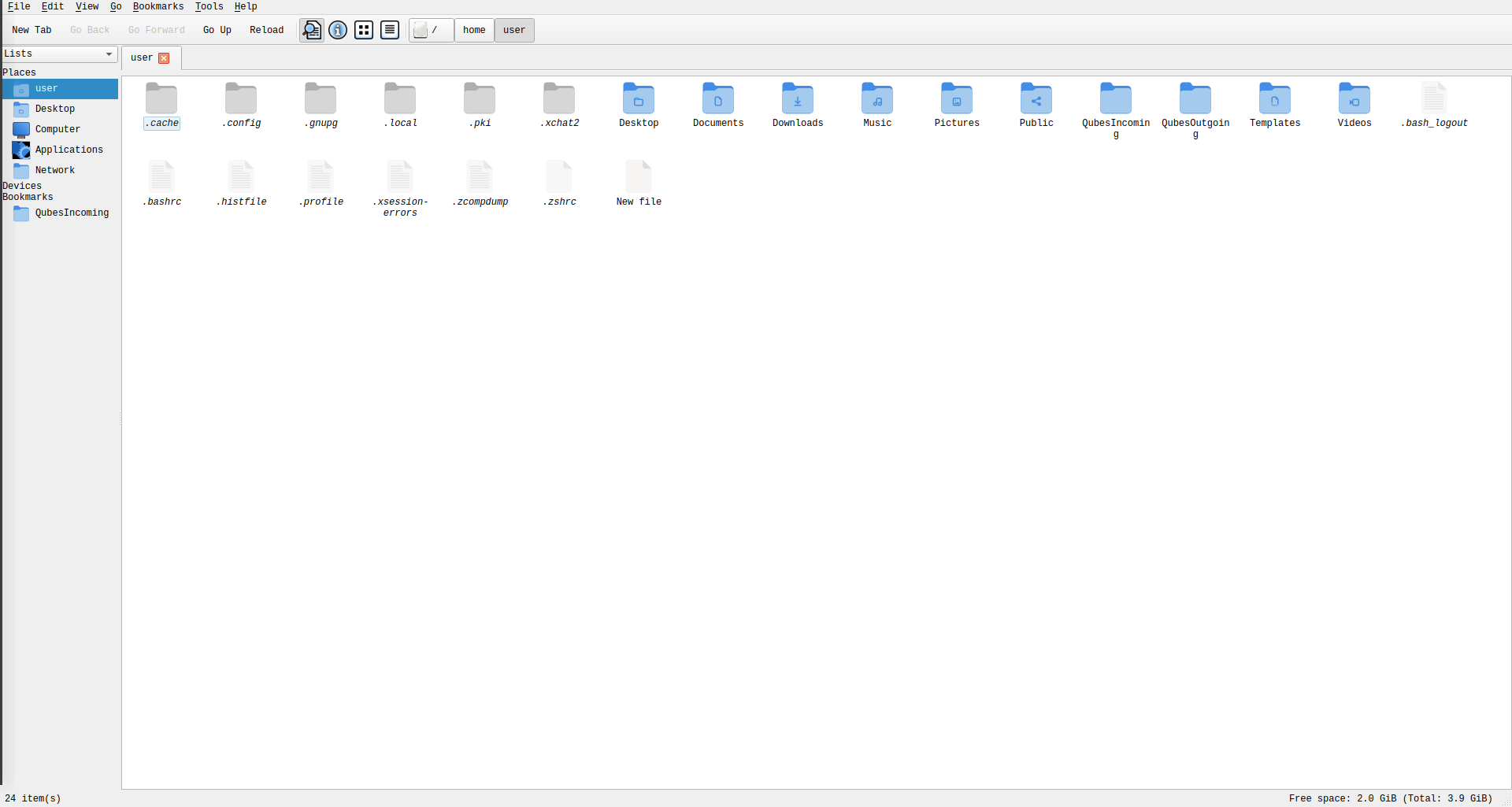
Is there a workaround for this? It feels like I’m very close to a full solution but missing the last piece.