Bootstrapping Tor stuck at 5%

So here is the thing: I live in China and I just managed to install a fresh Qubes in my old laptop, but it turns out I won’t be able to connect to the tor via sys-whonix

I ain’t new to Qubes and I know it is a silly question, but this time I just can’t find a way to solve the network issues

FYI, I am running Qubes 4.3-rc3(R4.3), Whonix18, Tor(in sys-whonix) 0.4.8.18, and I have already tried:

1.connecting to a VPN (sys-VPN) and/or proxy before Tor

2.configuring bridges(both obfs4 and snowflake) and proxy in Anon Connection Wizard in sys-whonix

3.making sure that other qubes (which networks come from sys-firewall) are able to connect to Tor

4.making sure that the time in sys-whonix(UTC) is matched to where I live(CST)

5.connecting via wired connection

6.making sure that all the network settings are default : sys-firewall→→sys-whonix and none→→whonix-workstation/gateway

7.following the Chatgpt and Gemini

8.following the Troubleshooting step by step

Here are some photos of my system:

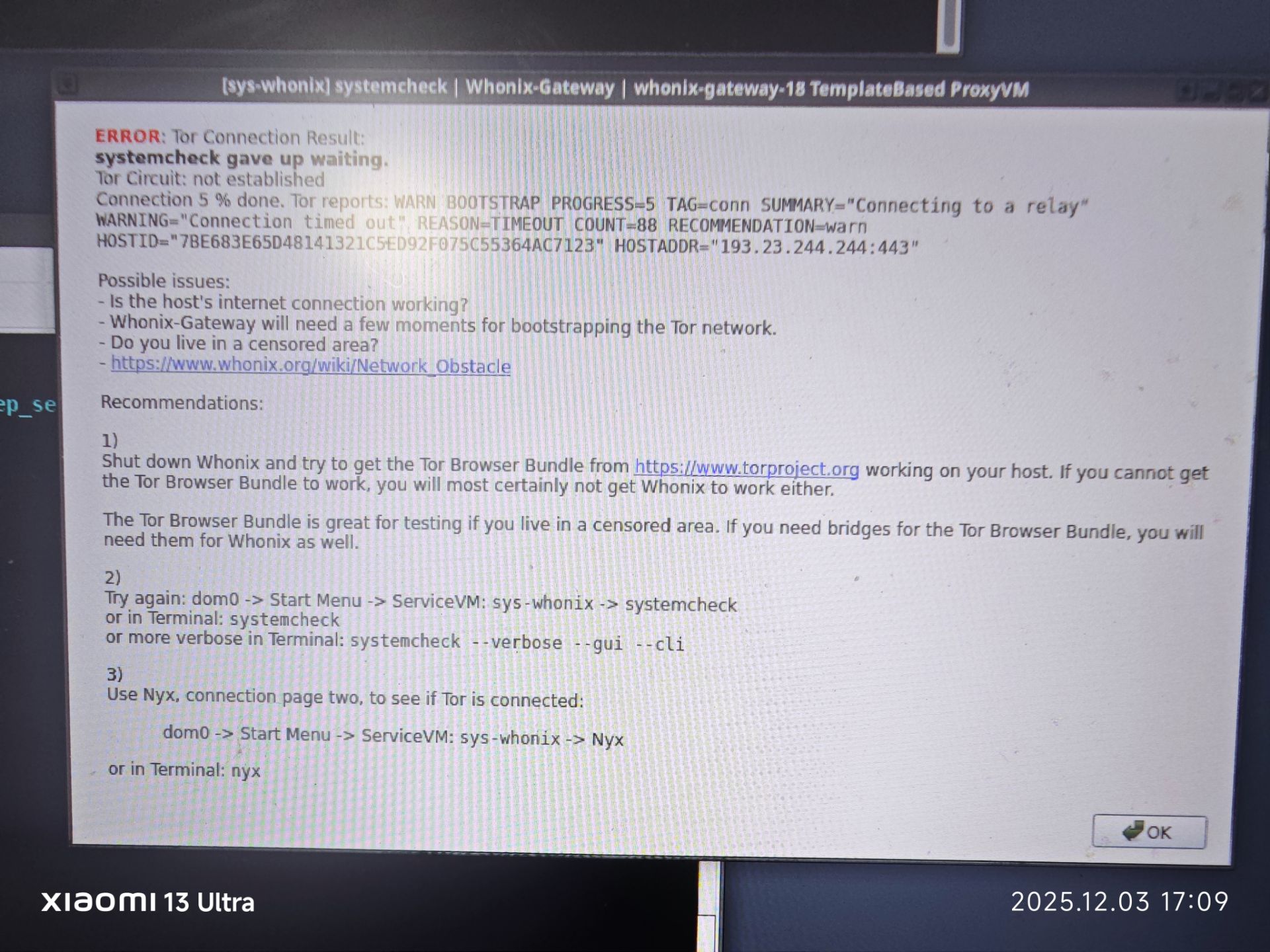
[sys-whonix] systemcheck
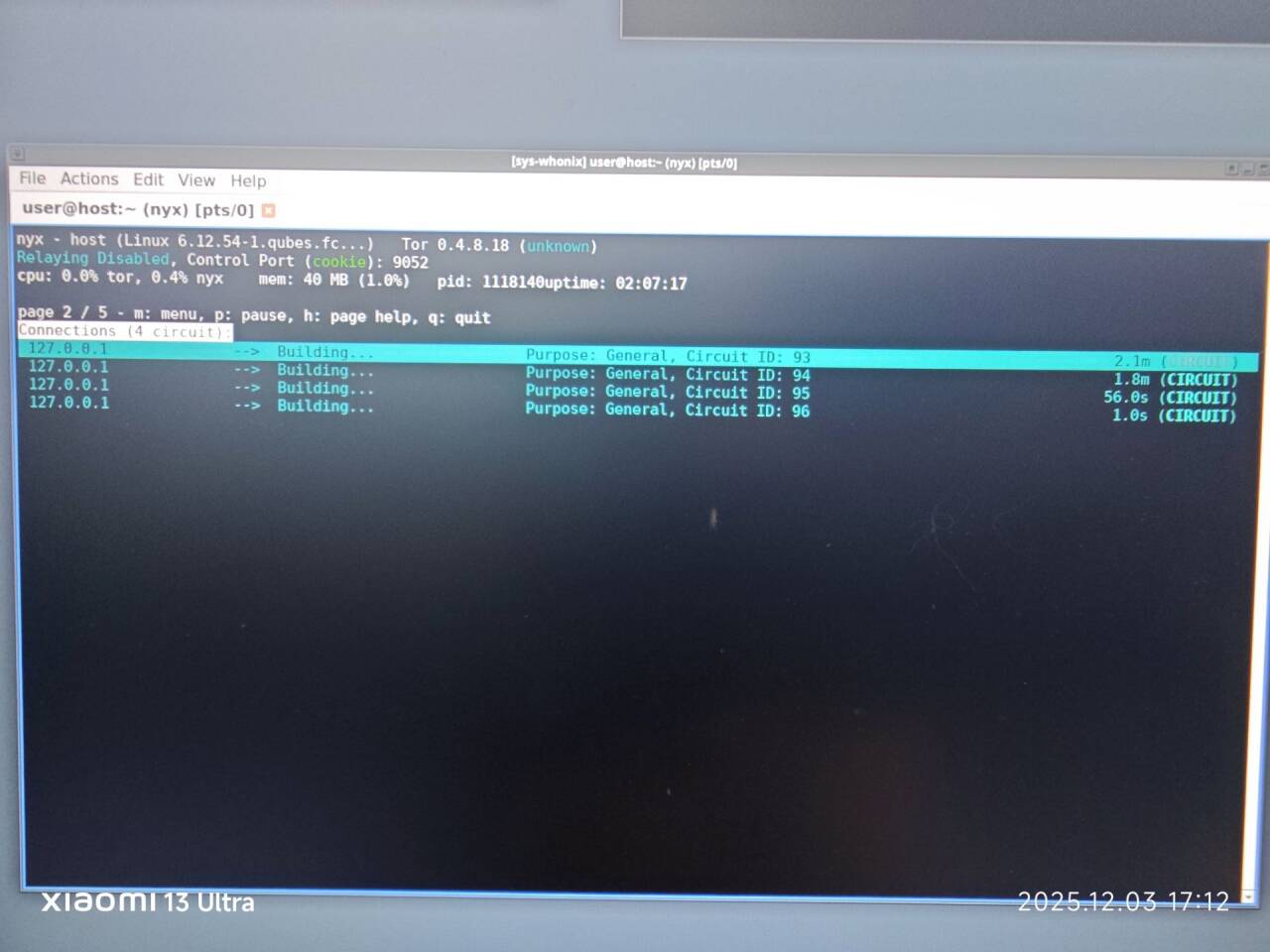
[sys-whonix] NYX page 2
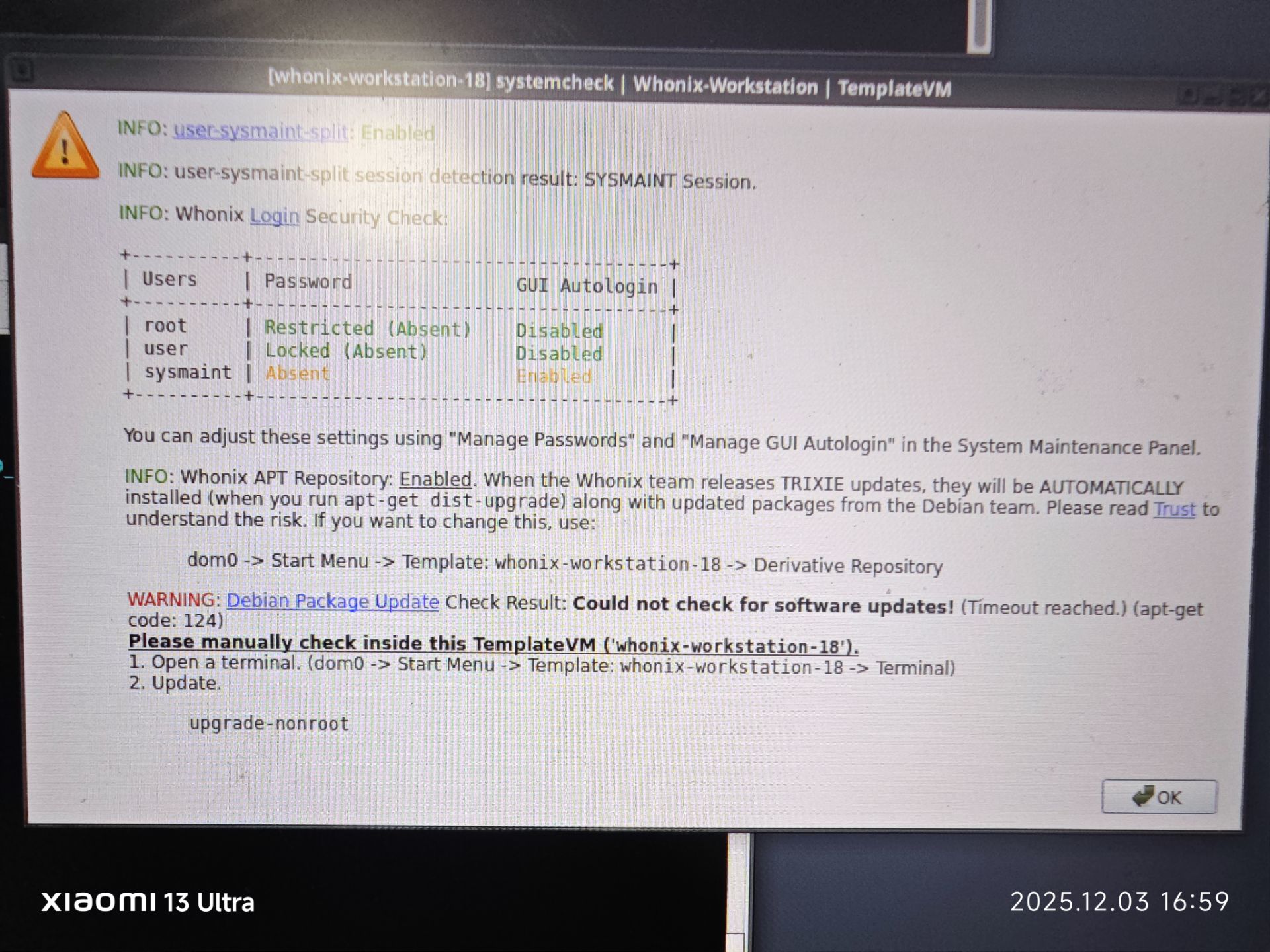
[whonix-workstation] systemcheck
I am looking for a way that I don’t need to completely reinstall the OS ‘cuz I am running a server whthin my Qubes, I dont want the server get down unless absolutely necessary

Any help would be appreciated, please let me know if you need alternative info, thanks

1 Like

China’s so-called “Great Firewall” blocks Tor traffic. You’ll probably need to use a bridge to get connected. Connecting to Tor from censored regions - Censorship circumvention - Tor Browser — Tor and Configure (Private) (Obfuscated) Tor Bridges has more info on that.

2 Likes

Thanks for the reply!

Unfortunately, I am aware that we cannot connect to Tor directly, so the first thing I tried was connecting via VPN and bridges, but it still doesn’t work.:sob:

1 Like

See:

1 Like

Thank you for your reply.
However, I have already read this article and followed the steps. I don’t know if the internet censorship in China has recently become stricter (perhaps due to my proximity to the capital), but unfortunately, these articles were not able to solve my problem.:sob:

1 Like

We’re not attempting to fix the issue. Rather, it’s a redirection. Quote Network Obstacle

In conclusion, if connectivity issues are experienced with Whonix a sensible first step is to test Tor Browser (TB) functionality on the host. If issues persist on the host then the Tor community should be directly contacted about the issue, since the Whonix platform cannot be the primary source of the problem.

1 Like

Thank you for your reply.

I understand, but tbh I can’t even say the problem I‘m facing is solely a whonix issue or a Tor issue in the first place.
I have two setups, one of them is a PC with Windows running on it, the other is a laptop with qubes, which is the system that is having problems.

So, just to be sure this is not a Tor issue, I deliberately downloaded and ran a TB in one of my qubes(which gets its network from sys-firewall instead of whonix and Tor)and it runs pretty well, I also tried to use TB in my windows system and since you can see my post, it seems to be working too.

But when I tried to use the exact same bridges that worked before(obfs4) to bypass the CFW in whonix, it just won’t work, also no matter the bridges(snowflake, meek-azure, obfs4) I tried to use, it just gets stuck at 5% and that’s all

I don’t know the problem I’m meeting is only a “simple” network issue(which should be since I managed to connect to Tor before like a year ago) or a system issue, I am still working on it but I don’t think the troubleshooting or some random posts in reddit will be helpful this time.

I am now attempting to re-create the sys-VPN with another VPN provider, maybe this one could be helpful, I don’t pay a lot of hopes to it tho

1 Like

If it works in Tor Browser, see if you can find the bridges Tor Browser is using, and configure those same bridges in Whonix-Gateway using Anon Connection Wizard. Tor Browser has some fancy ways of getting private bridges, whereas Whonix’s default bridges feature just has some hardcoded (and therefore publicly known and easily blocked) bridges configured.

2 Likes