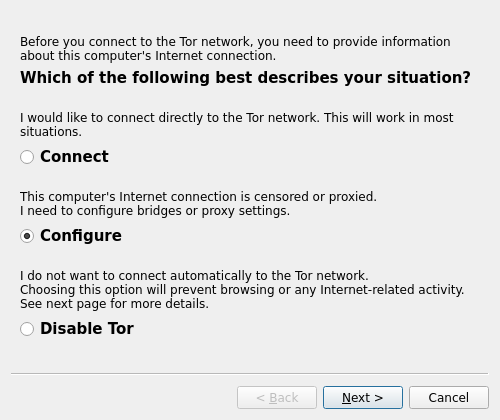
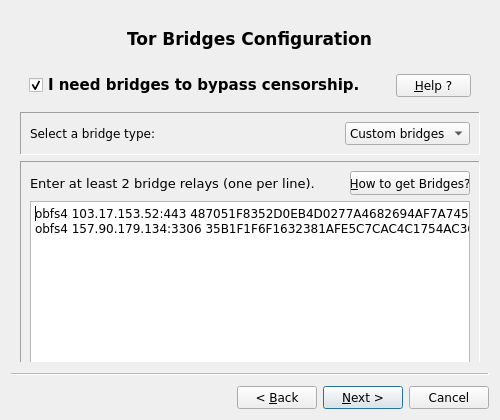
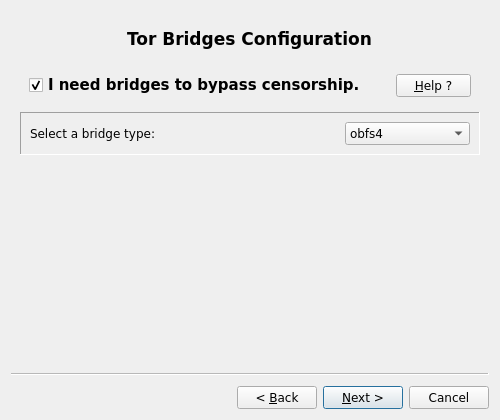
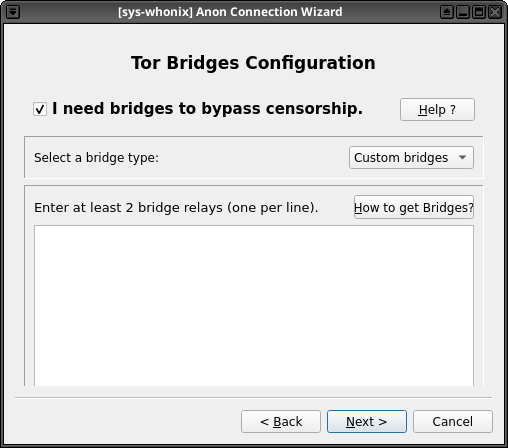
If I add custom bridges in the Anon Connection Wizard and connect to Tor with them, the next time I run the wizard it no longer shows the custom bridges. Instead it displays the default obfs4 bridge option, and when I click “Custom Bridges” the previously entered bridges are gone.
This was not an issue a week or so ago, the behavior has changed recently.
that config is stored in /usr/local/etc/torrc.d/40_tor_control_panel.conf on Whonix-Gateway. after adding the bridges, check that file before and after running the wizard again:
if the entries are still there but the wizard shows the defaults, it is probably just the UI losing its saved selection. if the file gets rewritten, that looks like a recent regression. include the before/after file output and the wizard or tor logs in a bug report.
I can’t reproduce this despite trying quite hard to. Steps taken:
Boot Whonix-Gateway in a persistent user session.
Open Tor Control Panel.
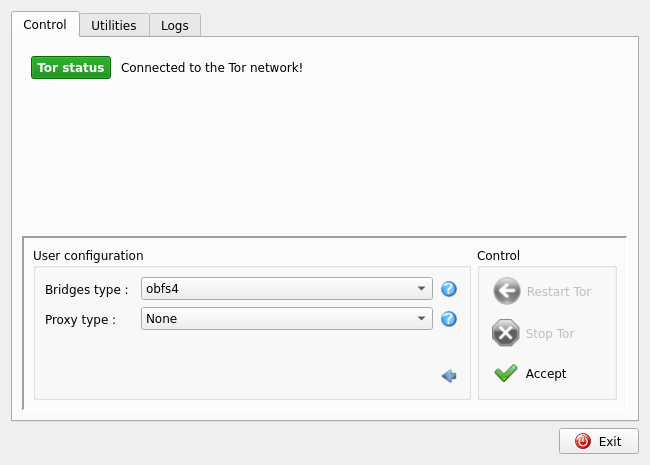
Click “Configure”.
Open the “Bridge type” combo box, then click “Custom bridges”.
Click “Accept”.
Add obfs4 bridge lines from BridgesDB.
Click “Accept”.
Close Tor Control Panel.
Open Tor Control Panel and repeat the steps to get to the custom bridge configuration step.
See that the obfs4 bridge lines are still present.
Shut down the Whonix-Gateway VM.
Boot the Whonix-Gateway VM.
Open Tor Control Panel and repeat the steps to get to the custom bridge configuration step.
See that the obfs4 bridge lines are still present.
Click the “Cancel” button in the custom bridge configuration step.
Close Tor Control Panel.
Open Tor Control Panel and repeat the steps to get to the custom bridge configuration step.
See that the obfs4 bridge lines are still present.
The steps listed were done on both Qubes OS with sys-whonix, and with a Whonix-Gateway VirtualBox VM on Kubuntu 26.04. The Qubes OS VM on my end uses trixie-developers packages, while the VirtualBox one uses the standard trixie packages.
@marcos-morar Are there any more specific steps you took to reproduce the issue? Also, do you happen to be using trixie-testers packages? I didn’t test those.
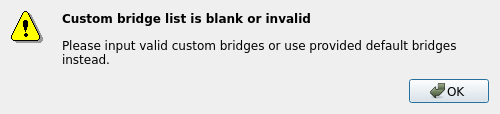
One more weird thing. If I select custom bridges on the bridges screen and hit back then from main screen hit next again, the wizard show the following error:
Thanks, will look into it a bit more. One thing I notice, you have an extra space on line 11 of “40_tor_control_panel.conf”, between “Bridge” and “obfs4”. I wonder if that’s throwing it off.
Checked it after correcting the space. Still the same! Besides, previously, when there was an extra space in bridges, the connection wizard corrected it automatically; it seems now it doesn’t.
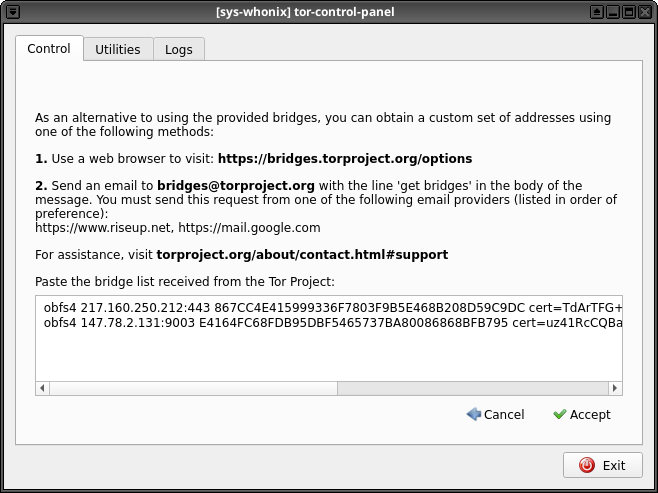
I think this is expected behavior. If, in Tor Control Panel, you then select “Custom bridges” from the “Bridges type” drop down, then click Accept, you’ll see a popup that includes your previously entered bridge lines:
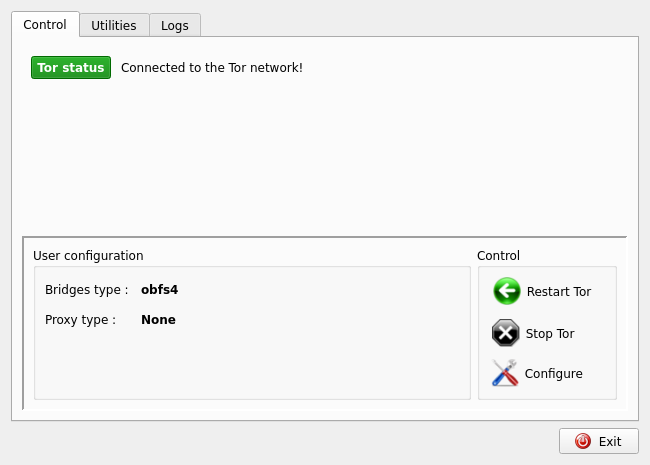
Showing obfs4 rather than custom bridges may be confusing, but it’s arguably intended behavior since it’s showing what type of bridges you’re using, rather than forcing you to go into the custom bridges configuration window to find out what bridge type is in use. If new bridge types are supported in the future (like Webtunnel perhaps), I would expect pasting custom Webtunnel bridges in would result in a bridge type of Webtunnel being displayed here. (Note that Whonix doesn’t support Webtunnel yet, this is just an example.) The UX isn’t perfect though.
Beyond that, if you open Anon Connection Wizard, get to the “Tor Bridges Configuration” screen, and select “Custom bridges”, you get a blank pane rather than seeing the existing bridges.